Rename a Dataset
Change your dataset name to better reflect its purpose and keep your workspace organized.
Rename your dataset to reflect its current purpose or to improve organization. Renaming a dataset updates only the display name—all images, annotations, and the dataset ID remain unchanged.
Renaming is safe
- Dataset ID stays the same — API integrations and training workflows continue to work
- All data is preserved — Images, annotations, and settings remain intact
- No downtime — Active workflows and training runs are unaffected
- Change anytime — You can rename datasets as often as needed
When to rename a dataset
Consider renaming your dataset when:
- Purpose has evolved — The dataset now contains different content than originally planned
- Improved clarity — A more descriptive name helps team members understand its use
- Project reorganization — Standardizing naming conventions across your organization
- Version management — Distinguishing between different versions (e.g., "Product Detection v2")
- Consolidation — The dataset now serves a broader purpose after merging content
Navigate to dataset settings
-
Open the dataset you want to rename
-
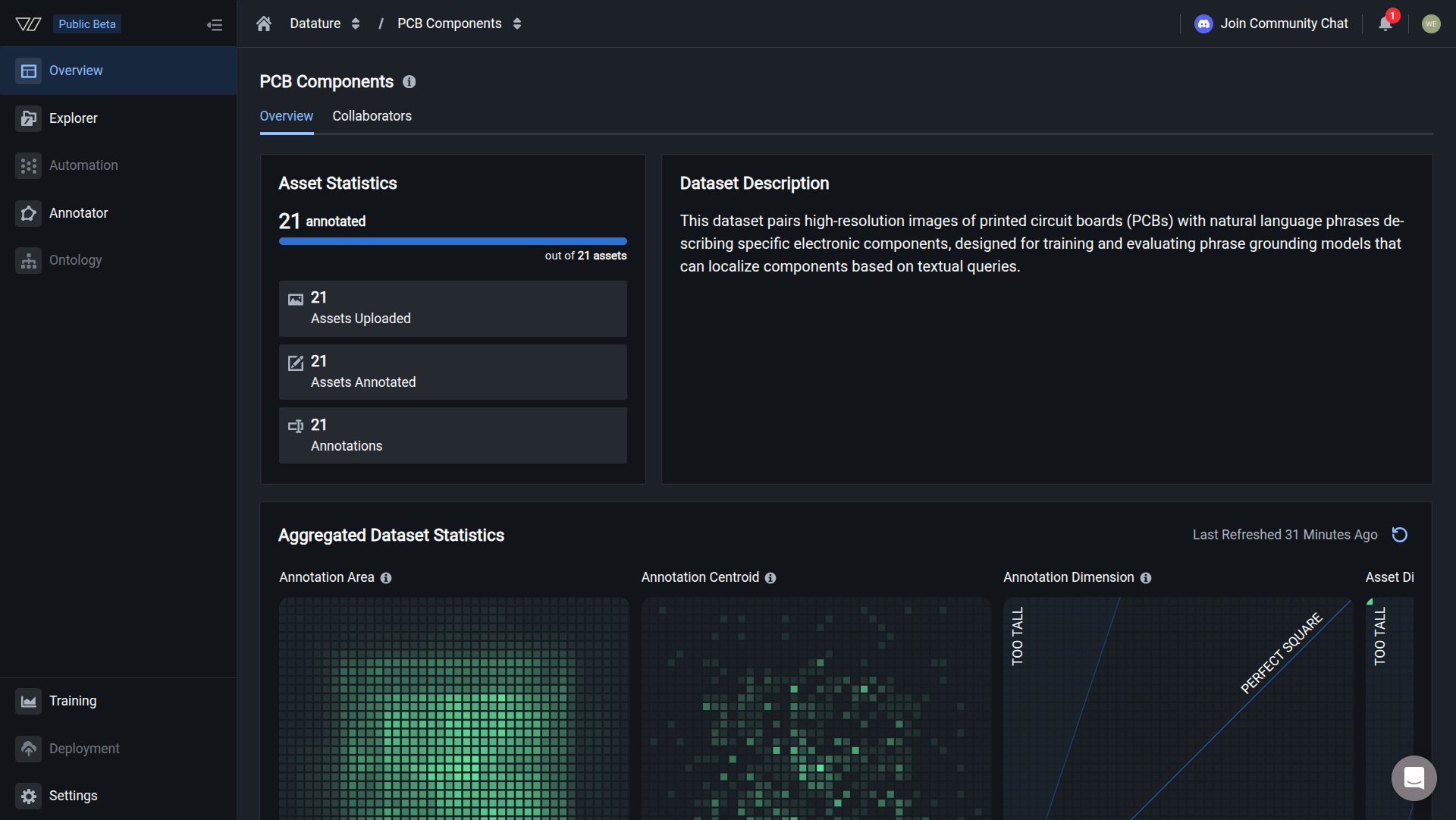
Click the Settings tab in the bottom of the sidebar menu
-
The Settings page displays dataset configuration options including the Dataset Name field
Rename your dataset
-
In the Dataset Name field, enter your new dataset name
Naming tips- Use descriptive names that explain the dataset's purpose (e.g., "Manufacturing Defect Detection" instead of "Dataset 1")
- Include version numbers if you maintain multiple iterations (e.g., "Product Detection v2")
- Follow your organization's naming conventions for consistency
- Keep names concise but informative (aim for 2-5 words)
-
Click the Update button next to the name field
The name updates immediately. Your dataset now appears with the new name throughout the platform.
Name updated successfullyYour dataset has been renamed. The new name appears in:
- Dataset browser and search results
- Training workflow dataset selection
- API responses and SDK queries
- Team member notifications
What changes when you rename
Updated:
- Display name in the platform UI
- Dataset name in search results
- Name shown in training workflows
- Name returned by SDK queries
Unchanged:
- Dataset ID (used for API calls and integrations)
- All images and annotations
- Dataset description and settings
- Training runs that reference this dataset
- Active workflows and deployments
- Team member access and permissions
Dataset ID remains constantThe dataset ID never changes, even when you rename the dataset. This ensures your API integrations, SDK scripts, and training workflows continue to work without requiring updates.
You can find your dataset ID in the URL or via the Vi SDK.
Update dataset description
While you're in the Settings page, you can also update your dataset description to provide more context about its contents and purpose.
-
Locate the Dataset Description field below the dataset name
-
Enter or update the description text
-
Click the Update button next to the description field
Use the description to document:
- What the dataset contains
- Intended use case or purpose
- Data sources or collection methods
- Version history or important notes
- Team members responsible for maintenance
Common questions
Will renaming break my training workflows?
No. Training workflows reference datasets by their unique ID, not by name. Renaming a dataset doesn't affect existing or future training runs.
Can I use special characters in dataset names?
Dataset names support most standard characters including:
- Letters and numbers
- Spaces and hyphens
- Parentheses and brackets
- Version numbers (v1, v2)
Avoid using only special characters or extremely long names (keep under 100 characters).
Will my team be notified when I rename a dataset?
No automatic notification is sent. If you're making significant naming changes, inform your team members to avoid confusion, especially if they reference the dataset in documentation or conversations.
Can I rename a dataset while training is in progress?
Yes. You can rename a dataset at any time, even while training runs are active. The training process uses the dataset ID, so renaming doesn't interrupt or affect ongoing training.
How do I rename a dataset using the Vi SDK?
You can update a dataset name programmatically using the Vi SDK:
import vi
# Initialize client
client = vi.Client(
secret_key="your-secret-key",
organization_id="your-organization-id"
)
# Get the dataset
dataset = client.datasets.get(dataset_id="your-dataset-id")
# Update the name
dataset.update(name="New Dataset Name")Next steps
Remove datasets you no longer need
Analyze dataset statistics and annotation distributions
Organize and filter images within your dataset
Manage datasets programmatically with the Python SDK
Need help?
We're here to support your VLMOps journey. Reach out through any of these channels:
Updated about 1 month ago