Manage Models
Organize, maintain, and control access to your trained VLM models through renaming, key management, and deletion.
Effective model management is essential for maintaining organized deployments and controlling access to your trained VLMs. Datature Vi provides comprehensive tools to rename, secure, and clean up models throughout your deployment lifecycle.
This guide covers all aspects of model management, from organizing model names and managing access keys to safely removing models you no longer need.
Complete deployment workflowTrain model → Evaluate model → Download model → Manage models (you are here) → Run inference
Core model operations
Datature Vi provides three essential categories of model management operations:
Update model names to reflect purpose and improve organization
Update unique checkpoint identifiers for better reference
Permanently remove models you no longer need
Quick reference
Common model management tasks and where to find them:
| Task | Documentation | When to use |
|---|---|---|
| Change model name | Rename a model → | Improved clarity, version tracking |
| Update checkpoint identifier | Edit model key → | Better organization, naming conventions |
| Remove model | Delete a model → | Cleanup unused models, free storage |
| Export model | Download a model → | Deployment, backup, offline inference |
| View run details | Manage runs → | Review training metrics and configuration |
Renaming models
Keep your deployments organized with descriptive, meaningful model names.
When to rename
- Improved clarity — Make model purpose clear to team members
- Version tracking — Distinguish between model versions (e.g., "PCB Defect v2.1")
- Deployment stages — Indicate status (e.g., "Production", "Staging", "Testing")
- Use case identification — Clearly describe what the model does
Key features
- Safe operation — Model ID remains unchanged; all references continue working
- No downtime — Active inference and deployments are unaffected
- Instant updates — Name changes appear immediately across the platform
- Unlimited changes — Rename as often as needed
Editing model keys
Manage unique identifiers assigned to your model checkpoints for better organization and reference.
What are model keys?
Model keys are unique identifiers assigned to model checkpoints. They help you organize and reference specific versions or checkpoints from your training runs.
When to edit keys
- Improved organization — Create more descriptive or meaningful identifiers
- Consistent naming — Align model keys with your team's naming conventions
- Version tracking — Use keys that reflect model versions or iterations
- Integration requirements — Match identifiers expected by your deployment systems
Key management features
- Flexible identifiers — Update checkpoint identifiers anytime
- Immediate updates — Changes appear instantly across the platform
- Unique references — Each checkpoint maintains its own distinct key
- Human-readable — Use meaningful names instead of auto-generated IDs
Learn how to edit model keys →
Deleting models
Permanently remove models you no longer need to keep your workspace organized and manage storage.
When to delete
- Superseded models — Remove older versions after deploying improved models
- Failed experiments — Clean up models from unsuccessful training runs
- Test models — Remove experimental or prototype models
- Storage optimization — Free up space by removing unused models
- Workspace cleanup — Maintain organized, clutter-free environment
Safety measures
Before deleting a model:
- Download if needed — Download the model for backup or archival
- Check deployments — Verify no active deployments depend on this model
- Inform team — Notify collaborators about the planned deletion
- Review carefully — Ensure you're deleting the correct model
Deletion is permanent and irreversible
- Model weights and adapters are deleted
- Model configuration is permanently removed
- Model ID becomes invalid
- Inference requests will fail
- Cannot be recovered through any means
- SDK queries for deleted model ID will fail
Always download a backup first if there's any chance you'll need the model later.
Best practices for model management
Use clear, versioned names that indicate purpose and deployment stage
Update model keys to reflect checkpoints clearly and consistently
Download important models before removing them permanently
Maintain clear naming for different model versions (v1, v2, etc.)
Keep notes on model updates and deployment history
Remove obsolete models to maintain organized workspace
Model management workflow
Follow this recommended workflow for maintaining healthy model deployments:
1. Naming and identification
- Use consistent naming — Apply standard conventions (e.g., "TaskType-BaseModel-Version")
- Track versions — Clearly label model iterations
- Update identifiers — Keep model keys meaningful and descriptive
- Clear references — Use keys that indicate checkpoint purpose
2. Documentation
- Document purpose — Keep notes on what each model is for
- Separate environments — Distinguish production vs development models
- Version indicators — Include version info in model names and keys
- Maintain notes — Record changes and decisions
3. Maintenance
- Archive old models — Download before deleting
- Remove test models — Delete experimental models after evaluation
- Clean up failures — Remove models from unsuccessful training runs
- Monitor storage — Keep track of model storage usage
4. Deployment management
- Test before production — Validate models thoroughly before deployment
- Maintain backups — Keep downloaded copies of production models
- Version control — Track which model version is deployed where
- Document rollback plan — Keep previous versions accessible if needed
Programmatic model management
For advanced users, the Vi SDK provides programmatic access to model management operations:
import vi
client = vi.Client(
secret_key="your-secret-key",
organization_id="your-org-id"
)
# List all models
for run in client.runs:
if run.status.phase == "succeeded":
print(f"Model: {run.name} (Run ID: {run.run_id})")
# Download a model
downloaded = client.get_model(
run_id="run-id",
save_path="./models"
)
# Rename a model (via run)
run = client.runs.get(run_id="run-id")
run.update(name="New Model Name")
# Note: Model deletion is handled through the web interface
# for safety and confirmation requirementsLearn more about Vi SDK → | SDK Models API →
Accessing model management
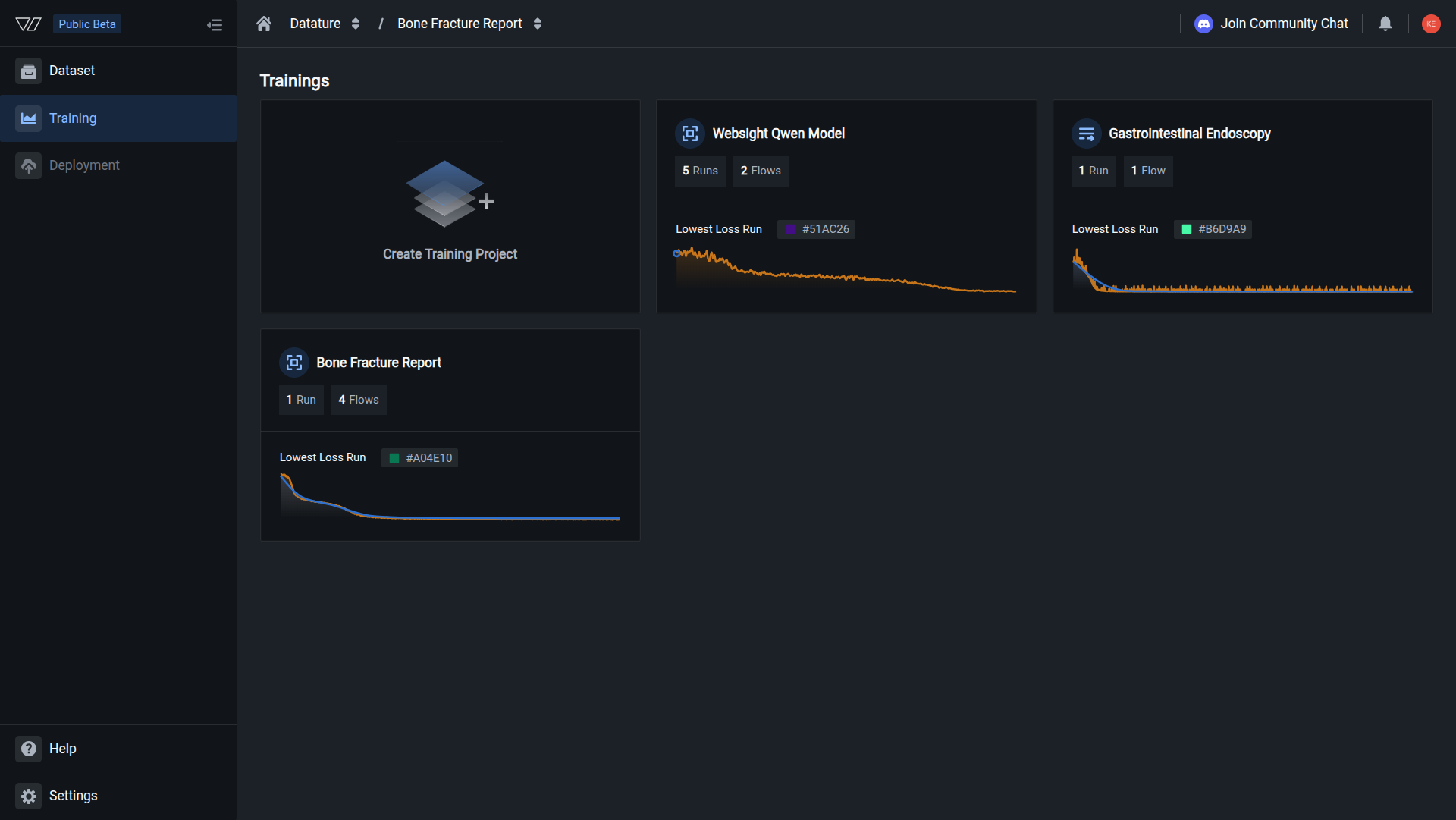
All model management operations are accessed from the Models tab in your training project:
- Navigate to your training project
- Click the Models tab in the sidebar
- Find the model you want to manage
- Click the three-dot menu (⋮) next to the model
- Select the desired action:
- View Run — Review training details
- Export Model — Download for deployment
- Rename Model — Update model name
- Edit Model Key — Update checkpoint identifier
- Delete Model — Permanently remove model
Common questions
Will renaming a model break my deployments?
No. Models are referenced by their unique run ID, not by name. Renaming a model doesn't affect existing deployments, inference requests, or SDK queries. The model ID remains constant.
When should I update model keys?
Update model keys when you need to improve organization or clarity:
- When reorganizing your model deployment structure
- After establishing new naming conventions for your team
- When model identifiers need to reflect updated versions
- To make checkpoint references more descriptive and meaningful
Model keys are organizational identifiers, not security credentials, so there's no required update schedule.
Can I recover a deleted model?
No. Model deletion is permanent and cannot be undone. Once deleted, all model weights, adapters, configurations, and metadata are permanently removed.
Best practice: Always download your model before deletion if there's any chance you'll need it later.
What happens if I delete a model that's being used?
Active deployments will fail. Any inference requests to a deleted model will return errors. Before deleting:
- Check if the model is deployed in production
- Update deployments to use a different model
- Notify team members who might be using the model
- Verify no automated workflows depend on the model
The platform will warn you before deletion, but it's your responsibility to ensure the model is not in active use.
Can I manage models using the Vi SDK?
Yes, but with limitations:
Supported via SDK:
- Downloading models —
client.get_model(run_id) - Listing models — Iterate through
client.runs - Renaming models —
run.update(name="New Name")
Not supported via SDK:
- Editing model keys — Use web interface
- Deleting models — Use web interface (requires manual confirmation for safety)
How much storage does each model use?
Model size varies by architecture and training method:
- Full models: 1-20 GB depending on base model size
- LoRA adapters: 50-500 MB (much smaller than full models)
- Quantized models: 25-75% smaller than full models
Check your organization storage usage to monitor total model storage.
Troubleshooting
Cannot rename model
Potential causes:
- Insufficient permissions
- Browser caching issues
- Model is still training
Solutions:
- Verify you have edit access to the training project
- Refresh the page and try again
- Ensure the training run has completed
- Check that you're a member of the organization
Model key changes not taking effect
Potential causes:
- Cached credentials in your application
- Using old key in environment variables
- Not restarting application after key change
Solutions:
- Update environment variables with new key
- Restart your application or inference service
- Clear credential cache if applicable
- Verify you're using the correct updated key
Cannot delete model
Potential causes:
- Model is deployed and in active use
- Insufficient permissions
- Browser or network issues
Solutions:
- Check if model has active deployments
- Undeploy model before attempting deletion
- Verify you have admin access to the project
- Try again after refreshing the page
Next steps
Update model names for better organization
Update checkpoint identifiers
Permanently remove models
Export models for deployment
Use your models for predictions
Assess model performance
Related resources
- Download a model — Export models for deployment and backup
- Train a model — Train VLMs on your datasets
- Evaluate a model — Assess model performance and accuracy
- Manage runs — View training history and metrics
- Manage workflows — Organize training configurations
- Run inference — Use models for predictions
- Vi SDK Getting Started — Programmatic model access
Need help?
We're here to support your VLMOps journey. Reach out through any of these channels:
Updated about 1 month ago