
Create a Workflow
Configure a reusable training workflow by connecting a system prompt, dataset, and model on the visual canvas in Datature Vi.
A training project created and a dataset with images and annotations (complete stage 1 first).
A workflow is a saved training configuration. It holds three things: a system prompt that instructs your VLM, a dataset with its train/validation split, and a model architecture with its parameters. Once you save a workflow, you can run it multiple times or duplicate it to try different settings. This guide uses defaults for each node; see the links above to learn how each setting affects training quality.
The workflow canvas uses a node-based interface. You configure each node by clicking it, then adjust settings in the panel that opens on the right.
Open the workflow canvas
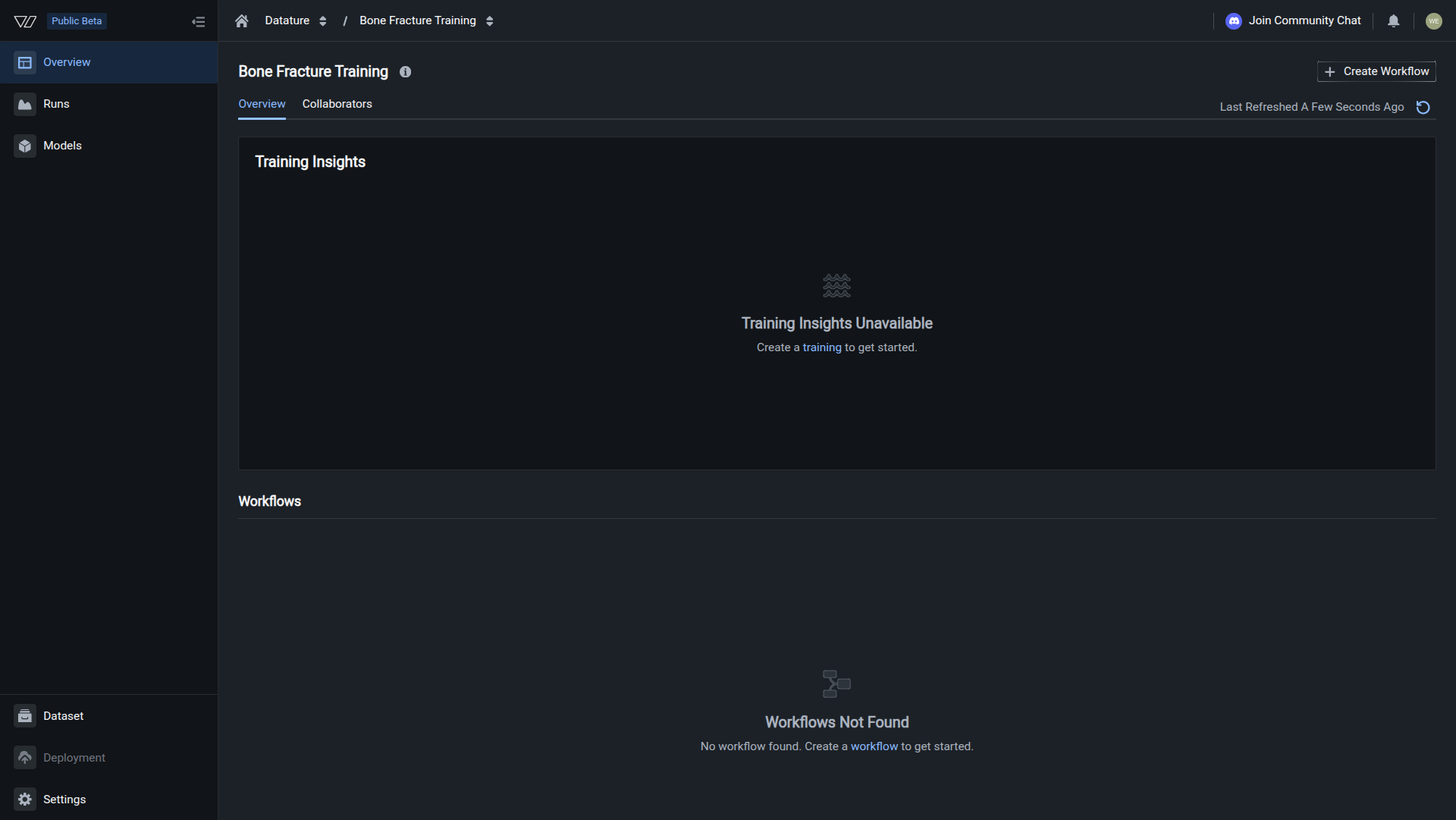
Inside your training project, click Create Workflow. The canvas opens with two nodes arranged top to bottom: System Prompt and Dataset.
Your workflow is ready when all three nodes display their configured values and the Run Training button is active.
Next steps
Next: Start A Training Run
Configure hardware, validate your dataset, and launch your VLM training run.
Full Workflow Guide
Learn about system prompt design, dataset split strategies, and model architecture options.
Model Architectures
Compare available VLM architectures and understand which models suit different tasks.
System Prompt Design
Write task-specific system prompts to improve model accuracy beyond the default.
Updated 5 months ago