
Training Logs
Review detailed training logs, debug errors, and troubleshoot failed runs.
- A training run in any state (logs update in real time, so you can monitor a run while it is still training)
- Access to the training project that contains the run
New runs go through a cold start period (dataset preprocessing, instance startup, and pending first metrics) before log output begins.
The Logs tab in Datature Vi displays the complete training output for a run. It records step-level loss values, epoch markers, evaluation checkpoints, and error messages. Use it to verify that training is progressing normally or to diagnose why a run failed.
What the Logs tab shows
In Datature Vi, open any training run and click the Logs tab. The tab displays the complete training output in chronological order.
Open your training project
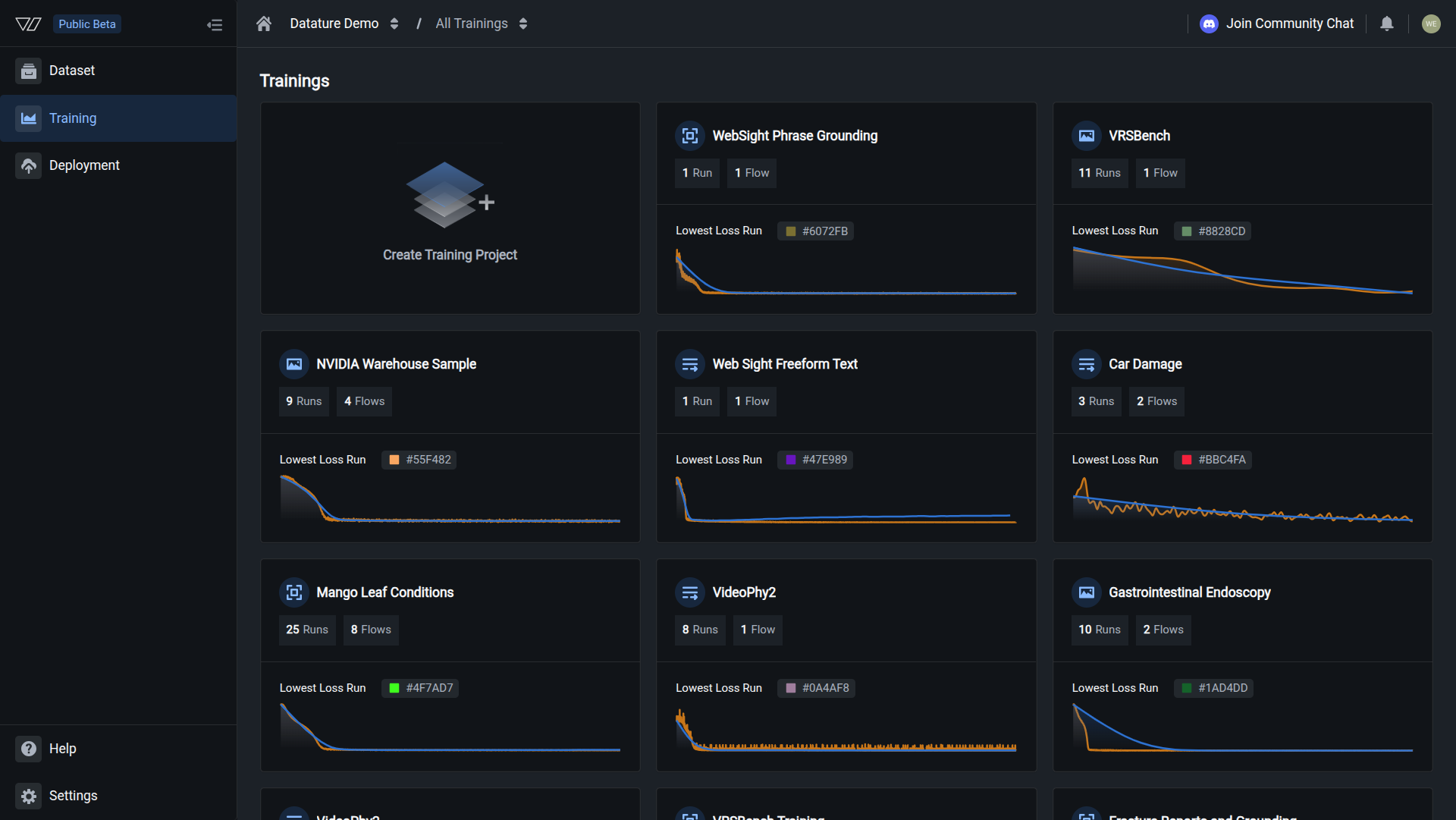
Go to Training in the sidebar and click the project containing the run you want to review.
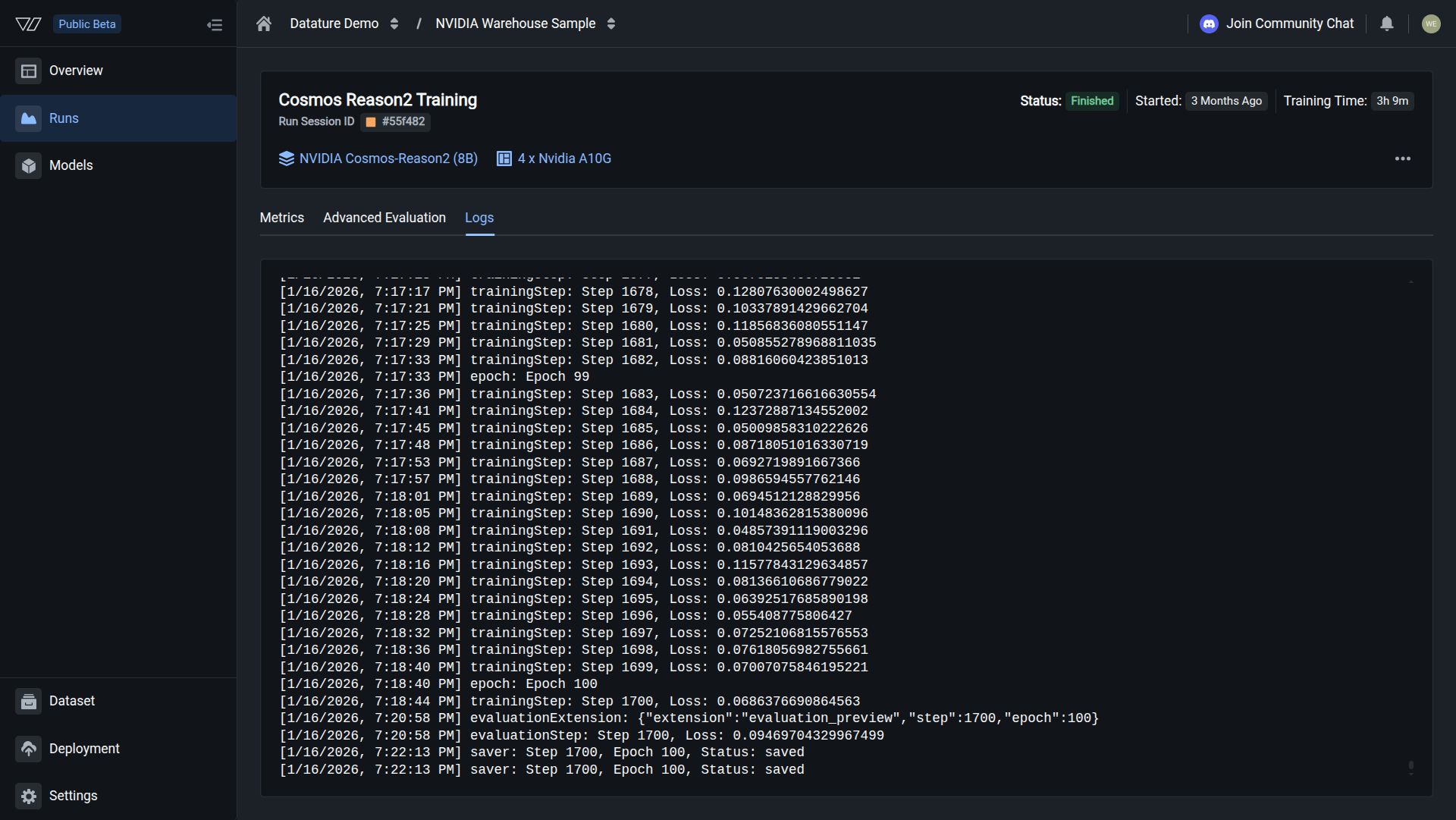
After a successful run, the Logs tab ends with a saver event at the final step and epoch. No error messages appear.
Understanding log output
The log displays entries in chronological order. Each entry is prefixed with a timestamp and a label that identifies its type. Here is an example of a typical log sequence:
[1/16/2026, 4:18:37 PM] epoch: Epoch 0
[1/16/2026, 4:18:43 PM] trainingStep: Step 0, Loss: 1.894945740699768
[1/16/2026, 4:21:08 PM] evaluationExtension: {"extension":"evaluation_preview","step":0,"epoch":0}
[1/16/2026, 4:21:08 PM] evaluationStep: Step 0, Loss: 1.8899050951004028
[1/16/2026, 4:22:20 PM] saver: Step 0, Epoch 0, Status: saved
Each entry belongs to one of five categories:
Epoch markers (epoch) indicate when the model begins a new pass through the training data. If your dataset has 1,000 images and your batch size is 8, one epoch takes 125 steps.
Training steps (trainingStep) are the most frequent entries. Each line shows a step number and a loss value. The loss value tells you how far the model's predictions are from the ground truth at that step. It should decrease over time.
Evaluation extensions (evaluationExtension) log a JSON object when an evaluation checkpoint begins. The object includes the step number, epoch number, and the extension type (such as evaluation_preview).
Evaluation steps (evaluationStep) appear at the interval you configured in training settings. Each entry records the validation loss at that checkpoint. These are the values that appear on the Metrics tab.
Saver events (saver) confirm that a model checkpoint was written to storage. Each entry includes the step number, epoch number, and a status of saved. If a run is killed or fails after a saver event, the checkpoint up to that point is still available.
Troubleshoot using the logs
When a run fails or behaves unexpectedly, the Logs tab gives you the information to diagnose what went wrong.
Do this with the Vi SDK
import vi

client = vi.Client(
    secret_key="your-secret-key",
    organization_id="your-organization-id"
)

run = client.runs.get("your-run-id")
if run.status.conditions:
    latest = run.status.conditions[-1]
    print(f"Status: {latest.condition.value}")
    print(f"Message: {latest.message}")
For more details, see the full SDK reference.
Next steps
Updated 7 months ago