Delete a Model
Permanently remove trained models you no longer need to keep your workspace organized and manage storage.
Delete trained models that are no longer needed to keep your workspace organized and manage storage. Deletion permanently removes the model along with all its weights, adapters, configurations, and metadata.
This action cannot be undone
- Permanent deletion — Model weights, adapters, and configurations are removed immediately
- Cannot be recovered — There is no way to restore a deleted model
- Breaks inference — Any applications using this model will fail
- Invalidates references — API calls and SDK queries for this model ID will fail
- Consider downloading first — Download your model if you might need it later
Before you delete
Review these considerations before permanently deleting a model:
Create a backup
If you might need this model in the future, create a backup first:
- Download the model — Export weights, adapters, and configurations
- Store the download in cloud storage or local archive
- Document model version and performance metrics
- Save training configuration for reproducibility
How to backup a model
Via Vi SDK:
import vi
client = vi.Client(
secret_key="your-secret-key",
organization_id="your-organization-id"
)
# Download model before deletion
print("Creating backup...")
downloaded = client.get_model(
run_id="your-run-id",
save_path="./backups/model-name-backup"
)
print(f"✓ Model backed up to {downloaded.model_path}")
print("Safe to delete from platform if needed")Via Web Interface:
- Go to Models tab
- Click ⋮ menu on the model
- Select Export Model
- Follow export instructions
- Save to secure backup location
- Verify backup integrity before deleting
Check for dependencies
Verify that the model is not actively used:
- Active deployments — Check if the model is deployed to production
- Running inference — Ensure no applications are currently using the model
- Team workflows — Confirm team members aren't depending on this model
- Automated systems — Verify no scheduled jobs or pipelines reference this model
- Documentation — Update any docs that reference this model
Check model usage
Questions to answer before deletion:
-
Is this model deployed?
- Check your deployment configurations
- Review production inference endpoints
- Verify no active API integrations
-
Who uses this model?
- Ask team members if they're using it
- Check shared documentation and wikis
- Review project planning documents
-
Are there automated dependencies?
- Check CI/CD pipelines
- Review scheduled inference jobs
- Verify monitoring and alerting systems
-
Is this the only copy?
- Confirm you have local downloads if needed
- Check if model is backed up elsewhere
- Verify training can be reproduced if necessary
Alternative to deletion
Consider these options instead of deleting:
- Download and archive — Export model and delete from platform to free cloud storage
- Rename to indicate status — Mark as deprecated (e.g., "DEPRECATED - Old Model v1")
- Keep for reference — Retain model for training history and reproducibility
- Replace rather than delete — Train improved version before removing old one
Navigate to model options
-
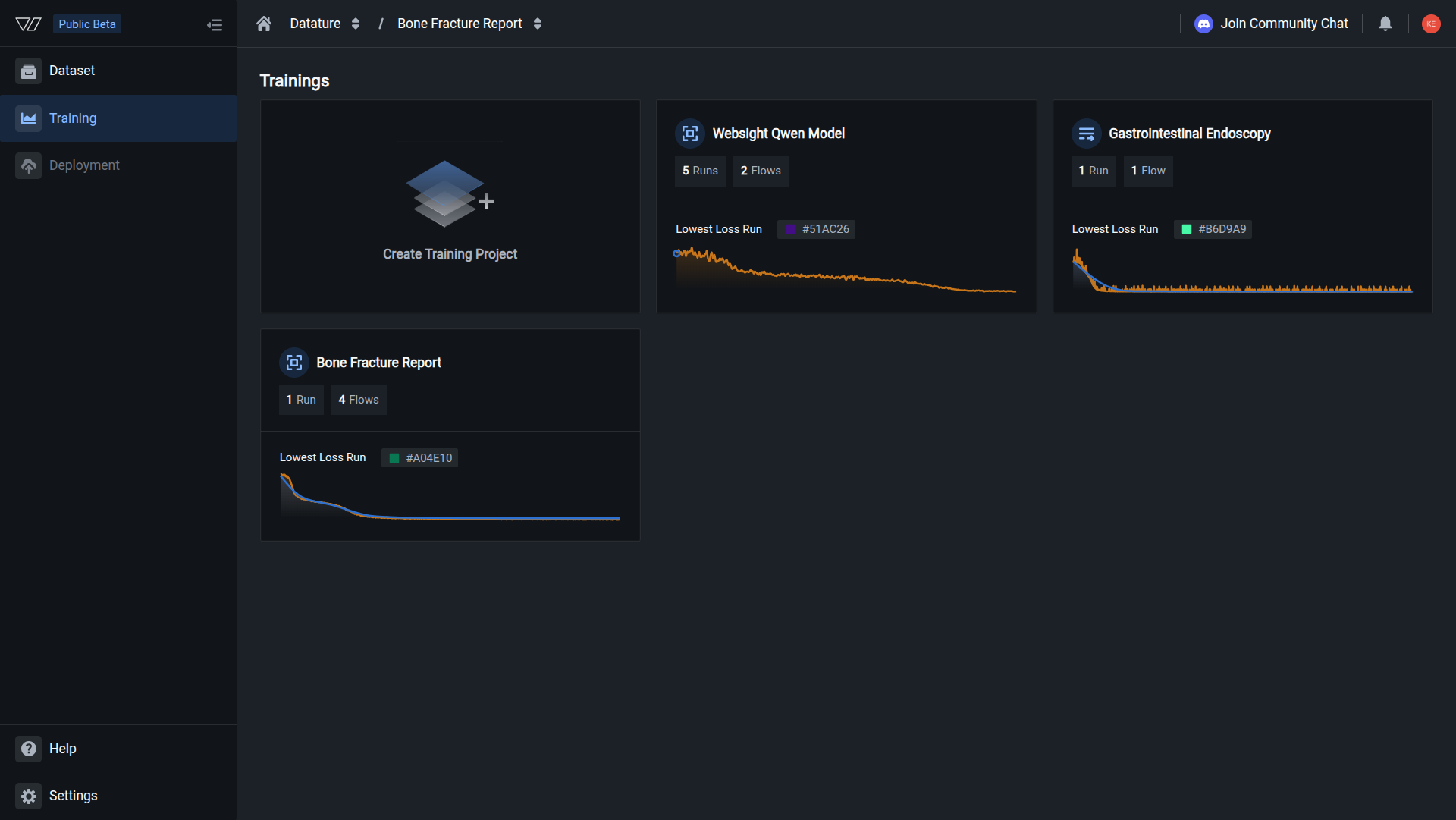
Navigate to your training project
-
Click the Models tab in the sidebar
-
Locate the model you want to delete
-
Click the three-dot menu (⋮) on the right side of the model card
-
A dropdown menu appears with these options:
- View Run — View detailed run information and metrics
- Export Model — Download model for backup
- Create Deployment — Deploy model to production (if configured)
- Rename Model — Update model name
- Edit Model Key — Update checkpoint identifier
- Delete Model — Permanently remove model (select this)
Delete your model
Danger ZoneModel deletion is irreversible. Proceed with caution.
-
Click Delete Model from the dropdown menu
-
A confirmation dialog appears warning you about the permanent nature of this action
The warning message states: "Deleting your model will permanently remove it from the platform. This action cannot be undone. Are you sure you want to delete this model?"
-
Read the confirmation message carefully:
"You are about to delete [Model Name]. All model data including weights, adapters, configurations, and metadata will be permanently deleted. Are you sure you want to delete this model?"
-
Type the exact model name in the confirmation field to verify your intent
The placeholder text reads: "Type [Model Name] to confirm."
Safety confirmationYou must type the exact model name to proceed. This prevents accidental deletions and ensures you're deleting the correct model.
-
Once you've typed the model name correctly, the Delete button becomes enabled
-
Click the red Delete button to permanently remove the model
-
The model is deleted immediately and you're returned to the Models list
What gets deleted
When you delete a model, the following are permanently removed:
Deleted immediately:
- Model weights — Full model parameters and neural network weights
- LoRA adapters — Fine-tuning adapters (if trained with LoRA)
- Model configuration — Architecture specifications and parameter settings
- Training metadata — Training configuration and hyperparameters used
- Model key — Unique checkpoint identifier for this model
- Export history — Records of model downloads and exports
Not affected:
- Training run history — Run metrics and training logs remain viewable
- Training dataset — The dataset used for training is unaffected
- Evaluation results — Metrics and evaluation logs remain accessible
- Workflow configuration — Workflows that used this model remain available
- Other models — All other models are completely unaffected
- Organization settings — Your organization and team settings remain intact
Training history remains viewableThe training run that produced this model remains in your Runs section with all metrics and logs. However, you cannot download the model or use it for inference after deletion.
Impact of deletion
Inference fails immediately
What breaks:
from vi.inference import ViModel
# This will fail after deletion
model = ViModel(
run_id="deleted-run-id", # No longer exists
secret_key="your-secret-key",
organization_id="your-organization-id"
)
# Error: Model not foundError message: ModelNotFoundError: Run ID 'deleted-run-id' does not exist
API calls return errors
SDK queries fail:
import vi
client = vi.Client(
secret_key="your-secret-key",
organization_id="your-organization-id"
)
# This returns 404
try:
model = client.get_model(run_id="deleted-run-id")
except Exception as e:
print(f"Error: {e}") # Model not foundDeployments stop working
- Production inference endpoints return errors
- Automated workflows fail
- Monitoring alerts trigger
- User-facing applications break
Update deployments firstBefore deleting a model:
- Update production deployments to use a different model
- Test new deployments thoroughly
- Monitor for issues
- Only then delete the old model
Verify deletion
After deletion:
-
Model no longer appears in your Models list
-
Direct access attempts fail — URLs to the model show "not found" errors
-
API calls return 404 —
client.get_model(run_id)fails -
Model ID cannot be reused — The run ID is permanently retired
-
Run history remains — You can still view training metrics in the Runs tab
Safe deletion workflow
Follow this checklist for safe model deletion:
Pre-deletion checklist
Planning phase
- Identify why this model needs deletion
- Confirm model is superseded or no longer needed
- Check if anyone on team uses this model
- Review deployment status
Backup phase
- Download model if any future use is possible
- Save model to secure backup location
- Document model version and performance metrics
- Verify backup integrity
Dependency check phase
- Check production deployments
- Review development environments
- Verify no automated workflows use this model
- Confirm no monitoring/alerting references this model
Update phase
- Update deployments to use replacement model
- Update documentation and wikis
- Notify team members of change
- Test replacement model thoroughly
Execution phase
- Navigate to Models tab
- Select Delete Model option
- Type model name to confirm
- Click Delete button
Post-deletion phase
- Verify deletion completed
- Monitor for any related errors
- Update project documentation
- Archive backup if created
Production model deletion protocol
For models deployed to production, follow this enhanced protocol:
1. Preparation (1-2 days before)
-
Document current model:
- Version and performance metrics
- Deployment locations
- Known issues or limitations
-
Train replacement model:
- Ensure new model meets requirements
- Evaluate thoroughly
- Test in staging environment
2. Staging deployment (1 day before)
- Deploy replacement to staging:
- Download new model
- Deploy to staging infrastructure
- Run integration tests
- Monitor performance
3. Production cutover (deletion day)
-
Low-traffic window recommended:
- Schedule during off-peak hours
- Have rollback plan ready
- Team on standby for issues
-
Execute cutover:
- Deploy new model to production
- Monitor error rates and performance
- Verify inference works correctly
- Wait 24-48 hours before deletion
4. Deletion (2 days after cutover)
-
Verify old model not in use:
- Check logs for any remaining requests
- Confirm monitoring shows no traffic
- Verify team members updated
-
Delete old model:
- Follow standard deletion process
- Document deletion in changelog
- Keep backup for 30 days
5. Post-deletion monitoring (1 week)
- Watch for issues:
- Monitor error logs
- Check performance metrics
- Review user reports
- Address any problems quickly
Common questions
Can I recover a deleted model?
No. Model deletion is permanent and cannot be undone. Once deleted, all model weights, adapters, configurations, and metadata are immediately and permanently removed from the platform.
Best practice: Always download your model before deletion if there's any chance you might need it in the future.
If you deleted by mistake:
- Check if you have local downloads
- Look for team member copies
- If you have the original training dataset and configuration, you can retrain
- Contact support for Enterprise plans (may have additional options)
What happens to applications using the deleted model?
They will fail immediately. Any inference requests to a deleted model will return errors:
- SDK calls fail —
ViModel()initialization throwsModelNotFoundError - API requests fail — HTTP 404 responses for model not found
- Downloaded models still work — If you previously downloaded the model, local copies continue functioning
Before deleting:
- Update all applications to use a different model
- Test updated applications thoroughly
- Deploy updates to production
- Monitor for 24-48 hours
- Only then delete the old model
Will deletion free up my storage quota?
Yes. Deleting a model immediately frees up storage space in your organization:
- Full models — 1-20 GB per model (depending on architecture)
- LoRA adapters — 50-500 MB per adapter
- Configurations — Minimal space (< 1 MB)
The freed storage becomes available for new training runs right away.
Check your storage usage in Organization > Resource Usage.
Can I delete a model while it's being used?
The platform will allow deletion, but you should not delete a model that's actively being used.
Recommended approach:
- Check if model is deployed or in use
- Update all services to use different model
- Monitor for 24-48 hours to ensure no traffic to old model
- Only then delete the model
If you must delete urgently:
- Have replacement model ready and tested
- Update all services simultaneously
- Monitor closely for errors
- Have rollback plan ready
The platform doesn't prevent deletion of in-use models because it can't track all external deployments. It's your responsibility to manage dependencies safely.
Will training history be deleted too?
No. The training run that produced this model remains in your Runs section with full history:
- Training metrics — Loss curves, accuracy, mAP, etc.
- Training logs — Complete training output
- Evaluation results — Performance assessments
- Configuration — Dataset, hyperparameters, system prompt
What you lose:
- Ability to download the model
- Ability to run inference
- Model weights and adapters
- Model key (checkpoint identifier)
The run serves as a historical record even after model deletion.
Can I delete multiple models at once?
Currently, models must be deleted one at a time through the web interface. Each deletion requires typing the model name as a safety measure.
For bulk deletions:
- Delete models individually through UI (safest)
- Use Vi SDK with extra caution (not recommended without additional safety checks)
If you need to delete many models:
import vi
client = vi.Client(
secret_key="your-secret-key",
organization_id="your-organization-id"
)
# List models to delete (be VERY careful)
models_to_delete = [
{"run_id": "run_1", "name": "Old Model v1"},
{"run_id": "run_2", "name": "Test Model A"},
]
# Manual confirmation for each
for model in models_to_delete:
print(f"\nModel: {model['name']}")
print(f"Run ID: {model['run_id']}")
confirm = input(f"Type '{model['name']}' to confirm deletion: ")
if confirm == model['name']:
# Note: Vi SDK may not support direct model deletion
# This is a conceptual example - use web interface
print(f"Would delete {model['name']}")
else:
print("Skipped")⚠️ Warning: Bulk deletion is dangerous. Always:
- Backup models before bulk operations
- Verify each model before deletion
- Start with test models to verify process
- Have recovery plan ready
What if I accidentally delete the wrong model?
Unfortunately, deletion is permanent:
- No recovery through the interface
- No undo or trash bin functionality
- Cannot restore from platform backups
Your only options:
-
Restore from local backup:
- If you previously downloaded the model
- Upload weights to your infrastructure
- Resume inference from local copy
-
Retrain from scratch:
- Use the same dataset
- Use the same workflow configuration
- Reference run history for exact settings
- May not produce identical results due to randomness
-
Contact support:
- Enterprise plans may have additional options
- Contact support immediately
- Provide run ID and timing of deletion
- No guarantees of recovery
Prevention is key:
- Always double-check model name before confirming
- Download critical models before deletion
- Use descriptive names to avoid confusion
- Implement peer review for production model deletions
Best practices for model cleanup
Review models quarterly and delete unused ones
Download important models before deletion
Rename to "DEPRECATED - [Name]" instead of immediate deletion
Keep changelog of deleted models and reasons
Have production model deletions reviewed by team
Thoroughly test replacement models before deletion
Watch for errors after deletion for 1-2 weeks
Maintain organized backups of important models
Model lifecycle management
Implement a systematic approach to model lifecycle:
1. Development phase
- Keep all models during active development
- Delete failed experiments after review
- Document promising approaches
- Version models clearly
2. Staging phase
- Retain staging models during testing period
- Delete after promoted to production or rejected
- Keep backup of promoted models
- Document test results
3. Production phase
- Always backup production models before deployment
- Keep previous version until new version proven stable
- Maintain at least 2 recent production versions
- Delete older versions after 90-day retention
4. Retirement phase
- Archive models before deletion (download and store)
- Document retirement reason and date
- Update all documentation and configurations
- Monitor for 30 days post-retirement
- Delete from platform after verification period
Next steps
Export models before deletion for backup
Mark models as deprecated instead of deleting
View training history after model deletion
Train replacement models
Assess models before deciding to delete
Monitor organization storage and compute
Related resources
- Download a model — Export models for backup before deletion
- Manage models — Overview of model management operations
- Rename a model — Mark models as deprecated
- Edit model key — Update model checkpoint identifiers
- Manage runs — View training history and metrics
- Train a model — Train new models to replace deleted ones
- Resource usage — Monitor storage and compute usage
Need help?
We're here to support your VLMOps journey. Reach out through any of these channels:
Updated about 1 month ago