VQA

Add question-answer pairs to your images to train a vision-language model for visual question answering tasks.

Before You Start

Visual question answering (VQA) annotations teach your vision-language model (VLM) to answer specific questions about images. Each annotation is a question-answer pair: you write both the question and the correct answer, and your model learns from those examples. This guide walks through creating VQA annotations in Datature Vi.


Open the annotator

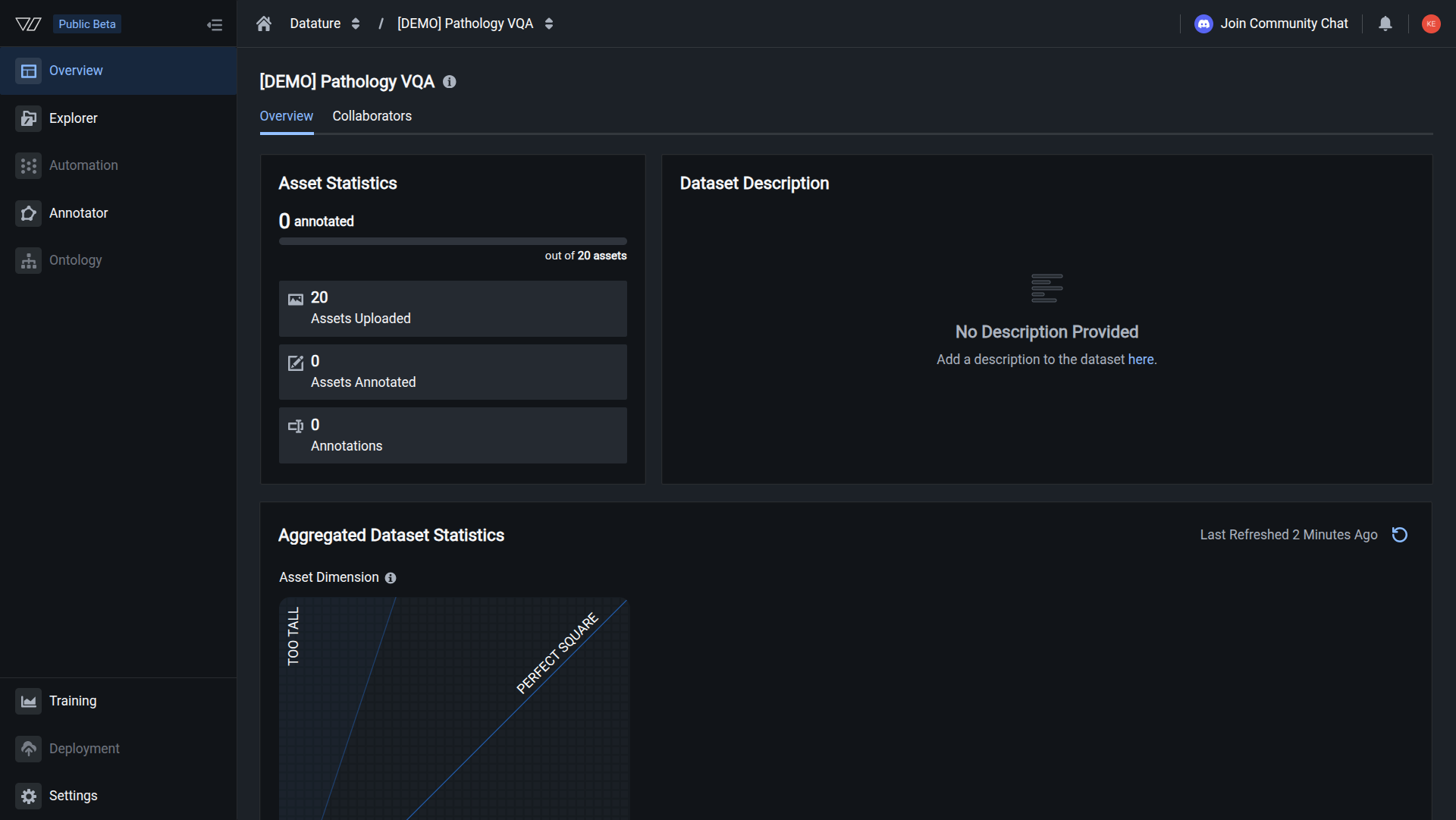
Go to your dataset, then click the Annotate tab. Click any image thumbnail in the bottom strip to load it.

1

Open the Annotator tab

Open the Annotator tab

From the Dataset Overview page, click the Annotator tab to open the labeling interface.
You should see
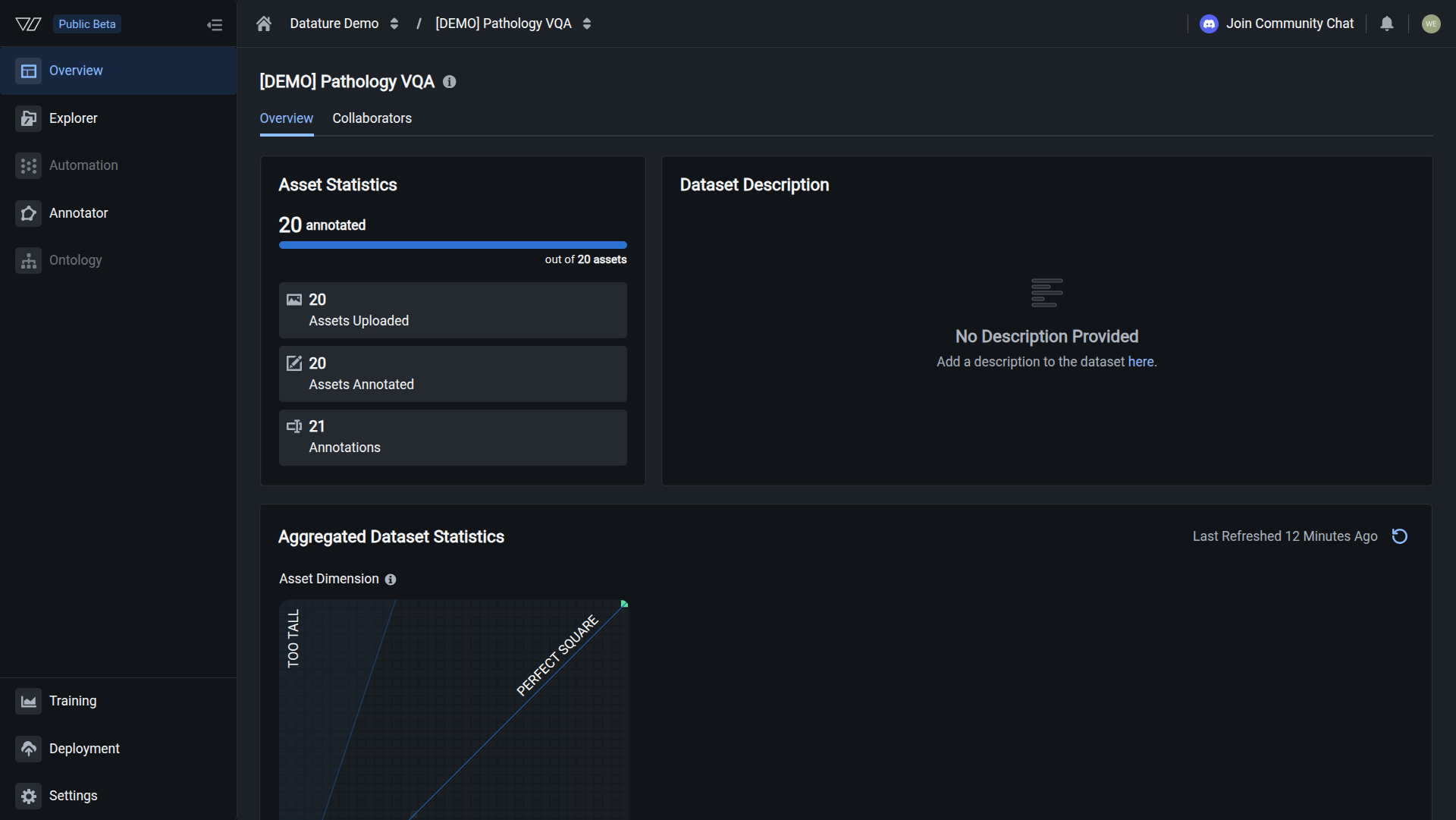
Dataset Overview showing image and annotation count, and heatmaps showing annotation patterns

Your annotations are ready when you see annotation count matching the image count, and heatmaps showing annotation patterns.


Keyboard shortcuts

Keyboard shortcuts

Key
Action
E
Next image
Q
Previous image
Tab
Move between Question and Answer fields
Enter
Submit the current question-answer pair
?
Show all shortcuts

Question types

Train a well-rounded model by mixing question types. Each type teaches the model a different kind of visual reasoning.

Format: "How many [objects] are visible?"

These teach your model to quantify objects or features. Use numeric answers only: "3", "0", "12".

Examples:

  • "How many defects are present?" → "3"
  • "How many people are in the image?" → "7"
  • "How many safety violations are shown?" → "0"

Format: "Is [condition] true?"

Binary questions for quick classification and compliance checks. Use "Yes" or "No" consistently (not "yes"/"no" or "Y"/"N").

Examples:

  • "Is this product damaged?" → "Yes"
  • "Is protective equipment worn?" → "Yes"
  • "Is there visible rust?" → "No"

Format: "What [attribute] is the [object]?"

These teach the model to identify specific characteristics: color, size, material, condition. Use single words or short phrases as answers.

Examples:

  • "What color is the vehicle?" → "Blue"
  • "What material is the surface?" → "Metal"
  • "What is the defect severity?" → "Minor"

Format: "What type of [object] is this?"

These teach classification. Define your category list before annotating so answers stay consistent.

Examples:

  • "What type of defect is visible?" → "Scratch"
  • "What equipment is this?" → "Forklift"
  • "What category does this product belong to?" → "Electronics"

Format: "Is [object] present in the image?"

Use these when you only need to know whether something exists, not how many or what kind. Answer format: "Yes" or "No".

Examples:

  • "Is a safety helmet visible?" → "Yes"
  • "Is the label present?" → "No"
  • "Is liquid leaking?" → "No"

Writing effective questions

Good questions are clear, specific, and have verifiable answers. These patterns produce well-structured annotations.

Good examples:

Good examples

Use case
Question
Answer
Manufacturing QC
"Is this part defective?"
"Yes"
Retail inventory
"How many items are on the shelf?"
"12"
Agriculture
"What is the crop condition?"
"Healthy"
Medical imaging
"Is there abnormality present?"
"No"

Avoid these patterns:

Avoid these patterns

Bad question
Problem
Better version
"What do you see?"
Too vague
"What type of vehicle is this?"
"Is this good or bad or damaged?"
Multiple questions in one
Split into separate questions
"Describe everything in detail"
Too broad
"What is the primary defect type?"

Keep answers short. The model learns better from "Yes" than "Yes, there are three scratches on the left side near the edge." Aim for answers under five words.


Edit or delete annotations

To edit a question-answer pair: Click the pair in the Visual Question Answering panel to focus it. Click the pair again to enter edit mode. Make your changes; they save automatically.

To delete a question-answer pair: Click the three-dot menu on the right side of the pair, then click Delete. Confirm the deletion.

Deletions Are Immediate

Deleted question-answer pairs cannot be recovered. Export your dataset regularly as a backup.


Track annotation progress

The annotator's bottom-right corner shows word and character counts for the current image. Click any question-answer pair to see counts for that specific pair, which is useful for spotting answers that are too long.

For dataset-wide statistics, open the Annotations tab in the Explorer. It shows total annotated images, total question-answer pairs, and average questions per image.

How many annotations do you need?

  • Minimum: 50 question-answer pairs across 20+ images
  • Recommended: 200+ pairs across 50+ images
  • Good coverage: 500+ pairs with mixed question types

View the dataset overview for detailed analytics.


Chain-of-thought reasoning

For complex questions that require multi-step reasoning, you can train the model to show its work. Prepend <datature_think> tags to your answer text. During training, Datature Vi converts these to the model's native <think> tags.

Question: "Are there more than 5 defects visible?"

Answer:

<datature_think>Let me count the defects systematically.
Top section: 2 scratches near the edge.
Middle section: 1 dent and 1 discoloration.
Bottom section: 3 scratches.
Total: 7 defects.</datature_think>

Yes, there are 7 defects visible: 2 scratches in the top section, 1 dent and 1 discoloration in the middle, and 3 scratches in the bottom.

The text inside <datature_think>...</datature_think> becomes the model's internal reasoning. The text after the closing tag is the answer presented to the user.

See Chain-of-Thought Reasoning and Annotation Guide for details.


Next steps

Train A Model

Use your VQA annotations to fine-tune a vision-language model.

Dataset Overview

Check annotation coverage and quality across your dataset.

Annotate For Phrase Grounding

Add bounding boxes and phrase links if you also need object localization.