
Prepare Your Dataset
Create a dataset, upload images, and add annotations to get your data ready for VLM training.
- 20 or more images for your use case
- Annotations for those images, or a plan to create them in Vi
Prepare a dataset with uploaded images and annotations ready for a training run.
Datature Vi organizes training data as datasets. Each dataset holds your images, their annotations, and metadata about the task type. You need to create the dataset project first, then fill it.
This stage has three steps. Work through them in order.
Create a dataset
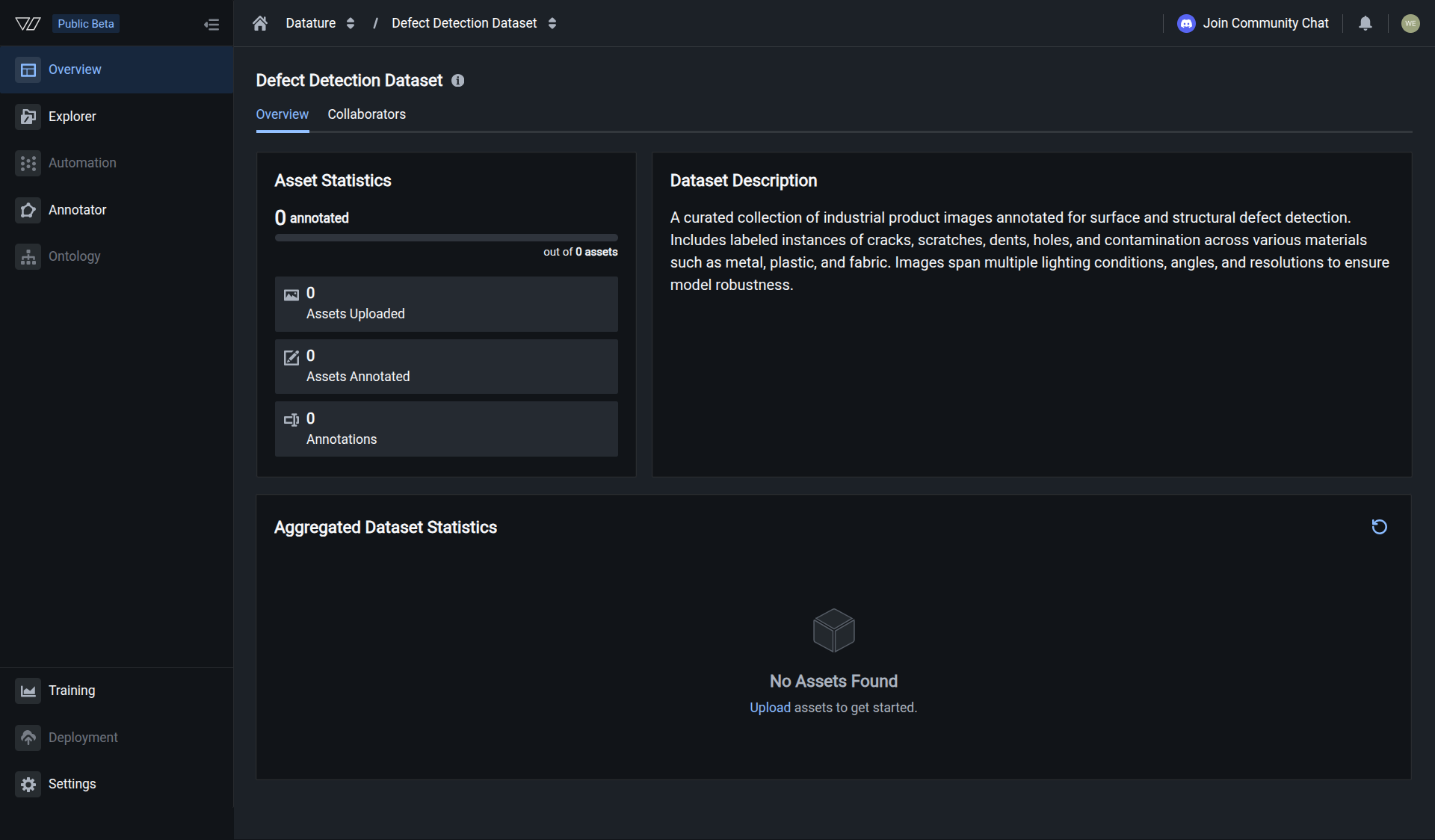
Click Dataset in the left sidebar, then click Create Dataset. Choose your task type: Phrase Grounding to locate objects with bounding boxes, Visual Question Answering to answer questions about images, or Freeform Text for open-ended descriptions and structured data extraction (JSON reports, captions, inspection checklists). Select Image as the data type, name your dataset, then pick storage: Multi-Region is the default for performance; choose a single region if policy requires data residency in one geography (Security and compliance). Click Create Dataset.
What each step covers
Follow the linked guides for the full walkthrough of each step.
Create a dataset
Choose a task type (phrase grounding, visual question answering, or freeform text), select Image as the data type, name your dataset, and pick storage localization.
Upload images
Drag and drop images into the Explorer tab, or use the Vi SDK for larger batches.
Add annotations
Import existing annotation files or use the built-in annotator to label images. IntelliScribe can auto-generate captions to speed things up.
Next steps
Updated 6 months ago