
Quickstart
Get from raw images to training a vision-language model in about 30 minutes with Datature Vi.
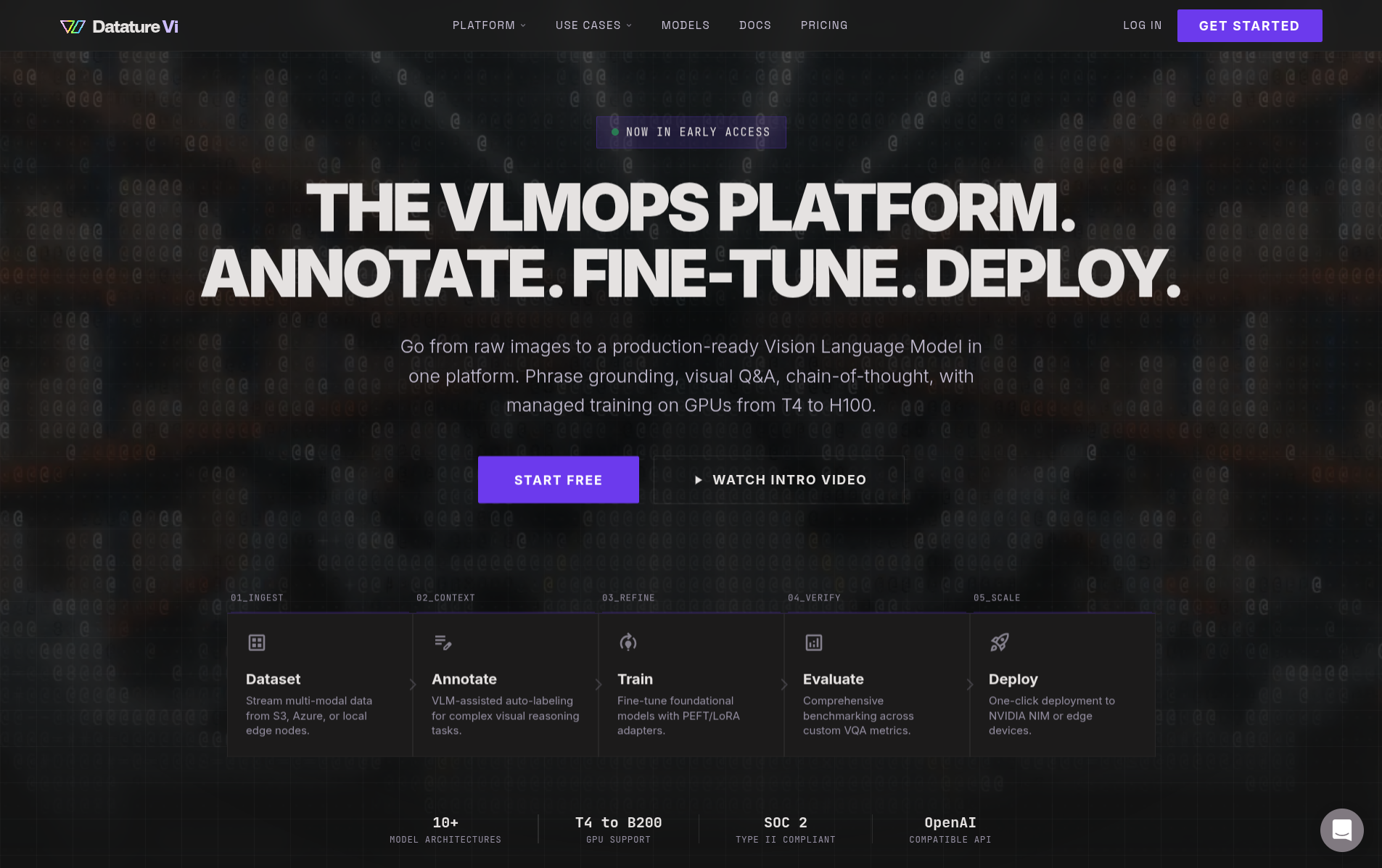
Datature Vi is a platform for building vision-language models (VLMs) without managing infrastructure. You prepare a labeled dataset, configure a training workflow, launch a run, and download the trained weights, all in one place.
Choose your starting point
I want to understand VLMs first
Start with a crash course on vision-language models, training, and evaluation concepts.
I want to evaluate the platform
Learn what Datature Vi does, who it's for, and what you can build.
I'm ready to build
Jump into the 30-minute quickstart below. Train and deploy your first VLM.
I'm a developer with code
Install the Vi SDK and start running inference or managing datasets programmatically.
This quickstart covers three focused stages. Each stage has its own step-by-step guide, and the whole process takes about 30 minutes of active work.
1. Prepare Your Dataset
Create a dataset, upload images, and add annotations. Takes about 20 minutes.
2. Train A Model
Create a training project, configure a workflow, and start a training run. Takes about 10 minutes of setup.
3. Deploy And Test
Download your trained VLM and run inference on new images using the Vi SDK.
Prepare a dataset, train a model, and deploy and test it with the Vi SDK.
What you'll need
- A Datature Vi account (free sign-up available)
- 20 or more images for your use case
- Annotations for those images, or a plan to create them in Vi
Next steps
Work through the three stages in order. Start with dataset preparation.
Updated 7 months ago