
Contact Us
Need help with Datature Vi? This page lists every support channel, quick link, and feedback path while you build and deploy custom vision-language models.
New to Datature Vi?
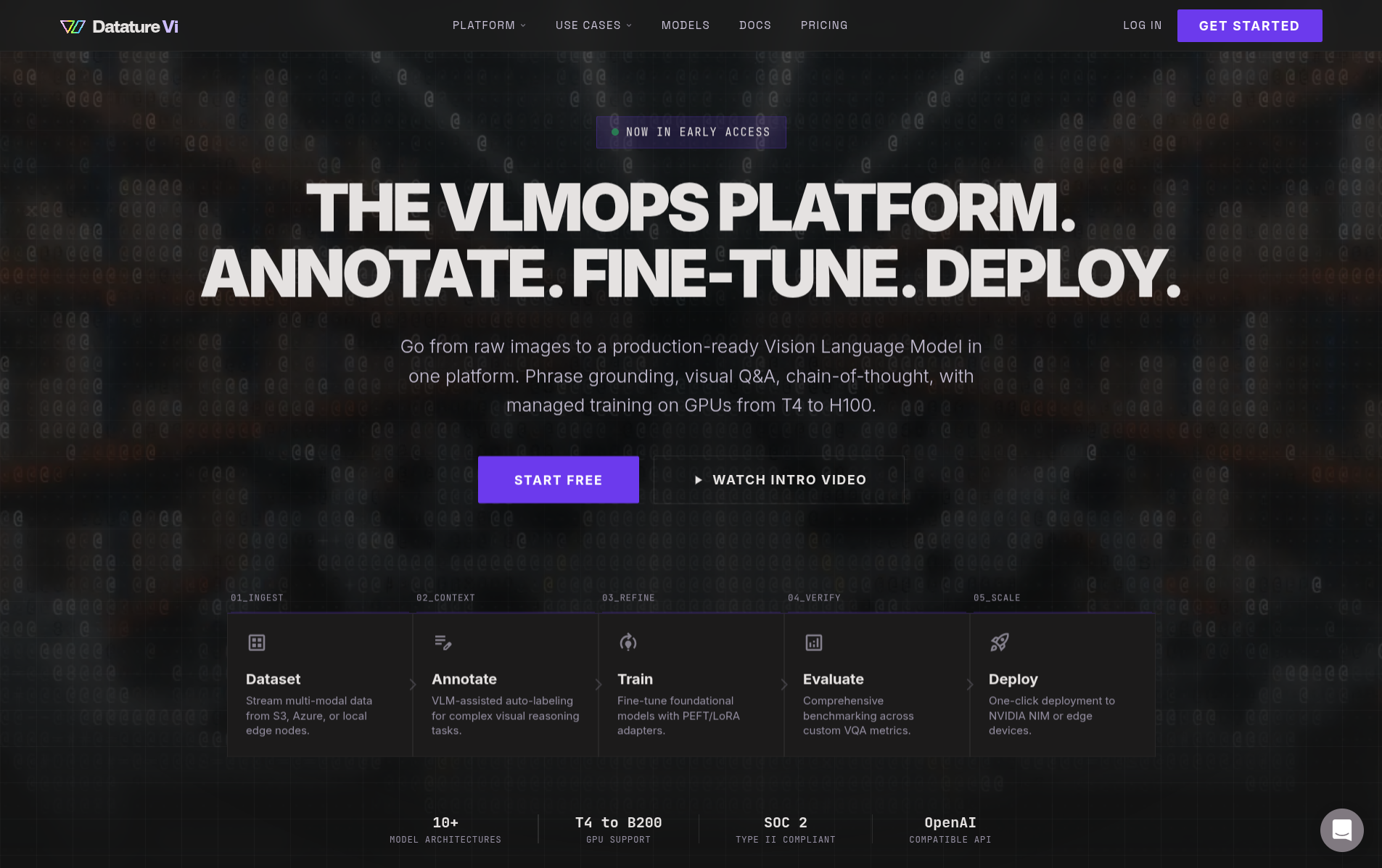
Datature Vi is a platform for training and deploying custom vision-language models.
Learn what it does or follow the quickstart.
Support channels
Choose the right channel for your needs:
- Documentation: Guides for getting started, training models, and deployment
- Developer resources: Vi SDK documentation, API references, and code examples
- Community forum: Connect with other users and get community support at datature.com/community
- Email support: [email protected] for technical assistance and troubleshooting
Quick links
Jump to the most helpful resources:
Getting started
- Quickstart guide: About 30 minutes of active work for your first trained model (what is a VLM?)
- Core concepts: Task types such as visual question answering (VQA) and phrase grounding (text prompts that produce bounding boxes)
- Create a dataset: Set up your first dataset
- Upload assets: Add images to your project
- Annotate data: Label images with phrase grounding or VQA
- Train a model: Complete training workflow guide
Common tasks
- Upload data: Add images and annotations
- Manage datasets: Dataset overview, download data, and delete datasets
- Start training: Set up datasets, models, and system prompts
- Evaluate models: Review training metrics and advanced evaluation
- Deploy models: Download models and run inference
- Manage runs: Monitor, duplicate, and delete runs
Developer tools
- Vi SDK: Python SDK for programmatic access to datasets, annotations, and inference
- SDK installation: Setup and requirements
- API resources: Full API reference for datasets, assets, annotations, and models
- Load models: Load models for inference
- Handle results: Process and visualize predictions
- Improve performance: Improve inference speed and memory usage
Organization management
- Team settings: Add members, remove members, and rename organization
- Secret keys: Create keys for API authentication and manage keys
- Resource usage: Monitor storage, compute, and quota consumption
Report issues and feedback
Report issues or share feedback to help us improve Datature Vi:
Connect with us
Stay updated with product news and resources:
- Website: datature.com for company information and product overview
- Platform: vi.datature.com to access your workspace
- Blog: datature.com/blog Latest updates, tutorials, and vision-language model best practices
- LinkedIn: Follow @Datature for company news and announcements
- Community: Join our forum to connect with other Datature Vi users (see the glossary when a term is unfamiliar)
Frequently asked questions
Related resources
Updated 6 months ago
Did this page help you?