
What Is Datature Vi?
Datature Vi is a VLMOps platform for building, training, and deploying custom vision-language models on your own data.
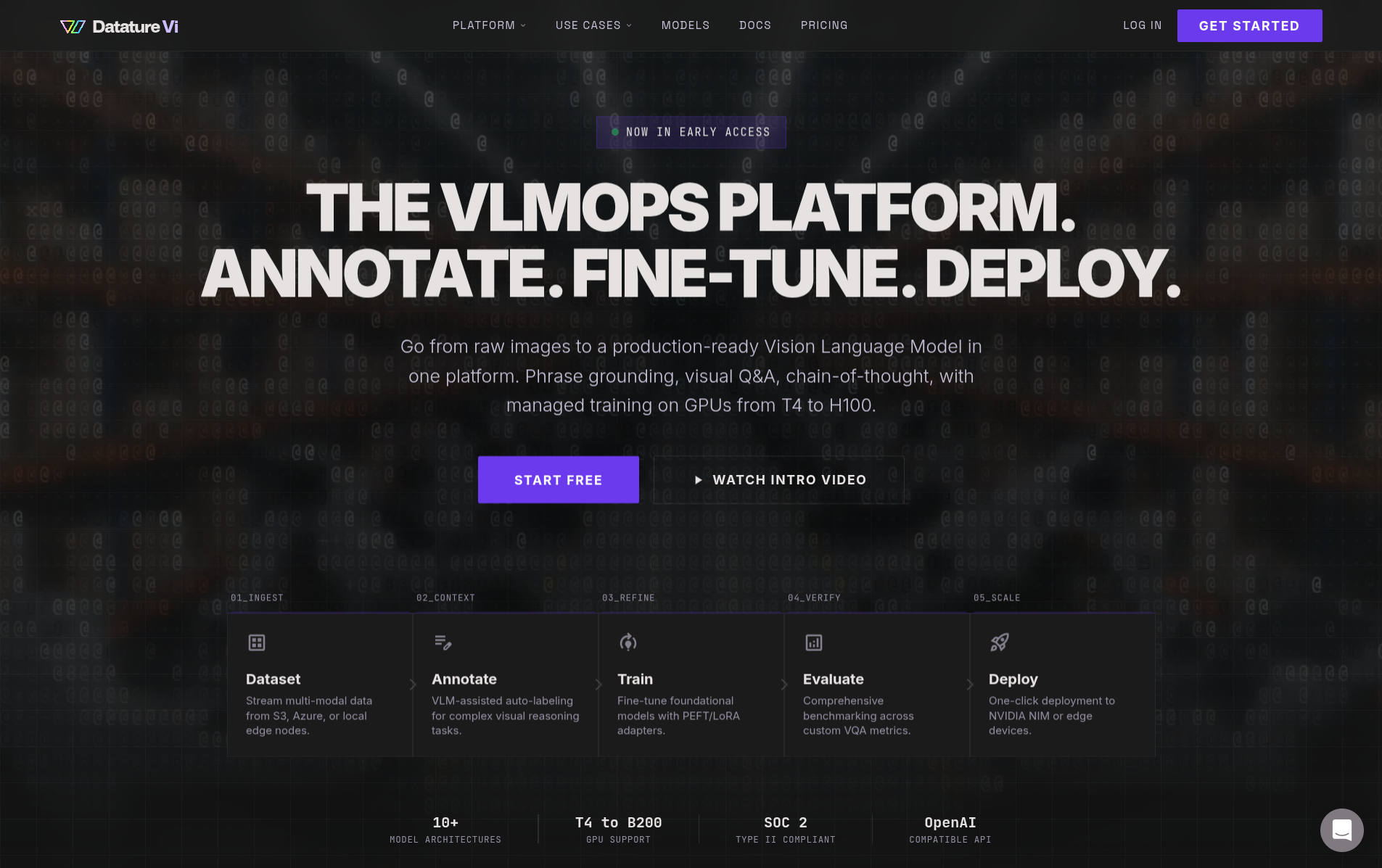
Datature Vi is a VLMOps platform for building custom vision-language models (VLMs) trained on your own data. You upload images, annotate them, fine-tune a VLM, and deploy it with the Vi SDK or NVIDIA NIM containers. Vi manages the GPU infrastructure and training pipeline so you can focus on your data.
You show Vi a few dozen labeled images of what you want it to find or answer, and Vi trains an AI model that can do the same thing on new images automatically. No coding required to get started.
Not sure where to begin? Follow the 30-minute quickstart.
Why build a custom model instead of using ChatGPT or Gemini?
General-purpose AI models can describe images, but production workflows need results that are reliable, consistent, and specific to your domain.
What is a vision-language model?
A VLM takes an image and a text prompt as input and produces a text response. Traditional CV models detect objects from a fixed category list. VLMs understand both the image and what you're asking about it, in natural language.
For a full breakdown of how VLMs work, see What Are Vision-Language Models?.
What problems can Datature Vi solve?
Any task where a person looks at an image and makes a judgment call is a candidate for a custom VLM. Datature Vi supports three types of visual task, each suited to a different class of problem.
Find and locate objects
Detect items by describing them in natural language. Use it for defect spotting on production lines, inventory counting on warehouse shelves, or identifying hazards in site photos.
Answer questions about images
Ask a question about an image and get a grounded answer. Use it for quality inspection reports, compliance checks, or triaging images before human review.
Extract or generate text
Define any output format: medical reports, inspection checklists, structured JSON, or descriptions. The model produces your format from your training examples.
How does the workflow work?
You bring images and domain knowledge. Vi handles GPU infrastructure, training, and export. The four-step workflow:
Create a dataset and upload images
Choose a task type (phrase grounding, VQA, or freeform text) and upload your images. Datature Vi supports JPEG, PNG, TIFF, BMP, WebP, and more.
Annotate your images
Add labels that teach the model what to look for. For phrase grounding, draw bounding boxes and link them to text descriptions. For VQA, write question-answer pairs. For freeform text, write any text that describes the image.
Train a VLM
Configure a model architecture, set training parameters, and launch a training run. Datature Vi allocates GPU hardware, runs the training, and tracks metrics automatically.
Deploy and run inference
Download your trained model and run predictions on new images using the Vi SDK (local inference) or NVIDIA NIM containers (production deployment).
Key terms in plain language
If you are new to AI and VLMs, here are the terms you will see most often in these docs. Each is explained without technical jargon.
For a full glossary, see the searchable glossary.
Who is Datature Vi for?
See it in action
These end-to-end guides walk through real industry workflows, from image collection to running inference. Each one is written for domain teams, not data scientists.
Choose your starting point
I want to understand VLMs first
Start with a crash course on vision-language models, training, and evaluation concepts.
I'm ready to build
Jump into the 30-minute quickstart. Train and deploy your first VLM.
I'm a developer with code
Install the Vi SDK and start running inference or managing datasets programmatically.
I want to evaluate the platform
Explore plans, pricing, and capabilities to see if Datature Vi fits your needs.
Updated 7 months ago